 Afinar
Your music already lives somewhere.
A tab site. A folder of PDFs. A Guitar Pro file someone sent you. A video you keep going back to. Afinar doesn’t ask you to move any of it into its own format, or to start a library from scratch. It puts a stand under what you already have, and a recorder beside it.
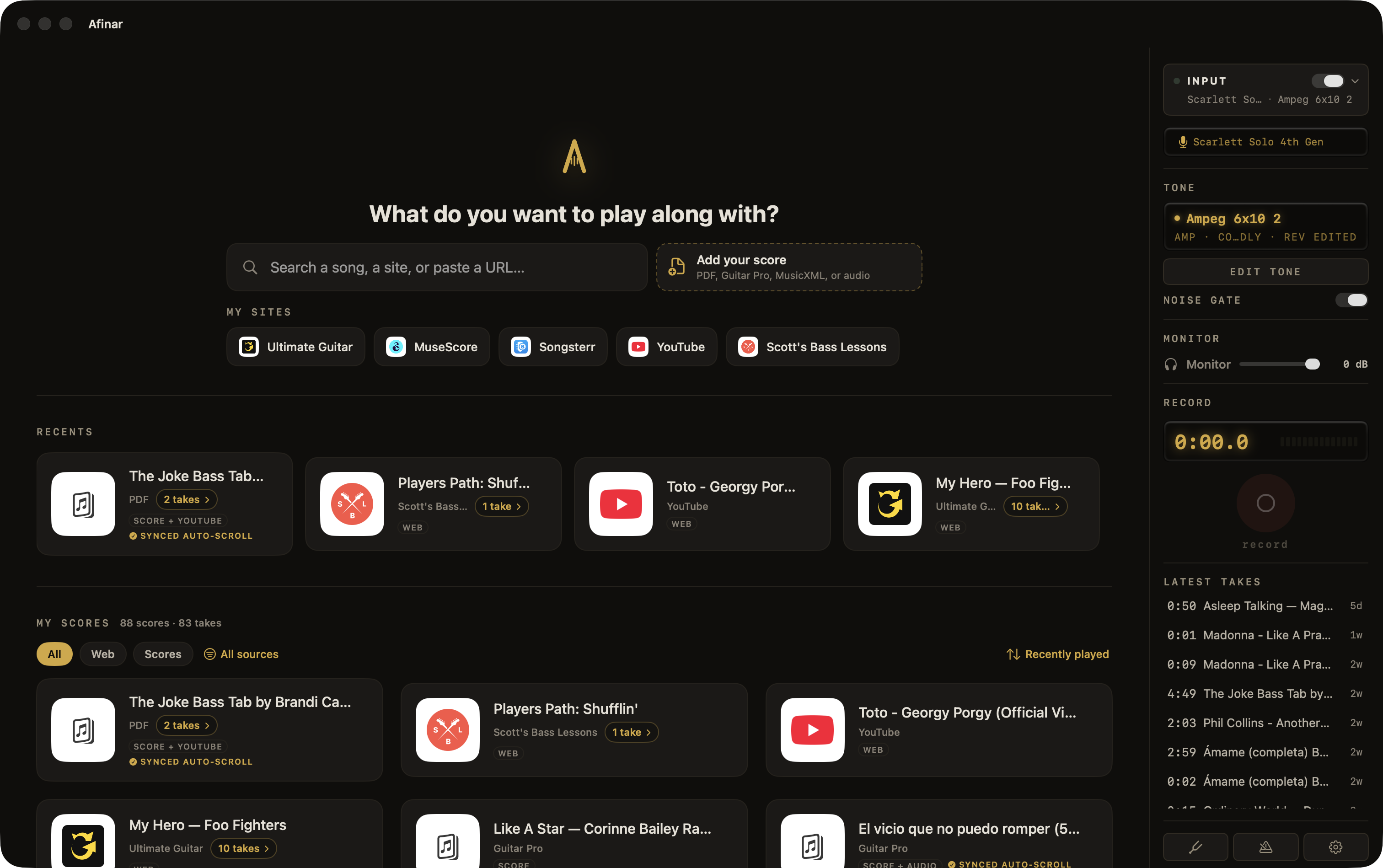
Keep the sites you already pay for.
Starting with Afinar doesn’t make your Songsterr or Ultimate Guitar subscription redundant. Sign in once and those sites work the way they always have, inside the app. What’s different is what sits next to them: a recorder, and a place for your recordings to land under the song. Nobody else puts those two things in one window.
Looking for something new to play? Type a title and Afinar sends you straight to that site’s results, already signed in.
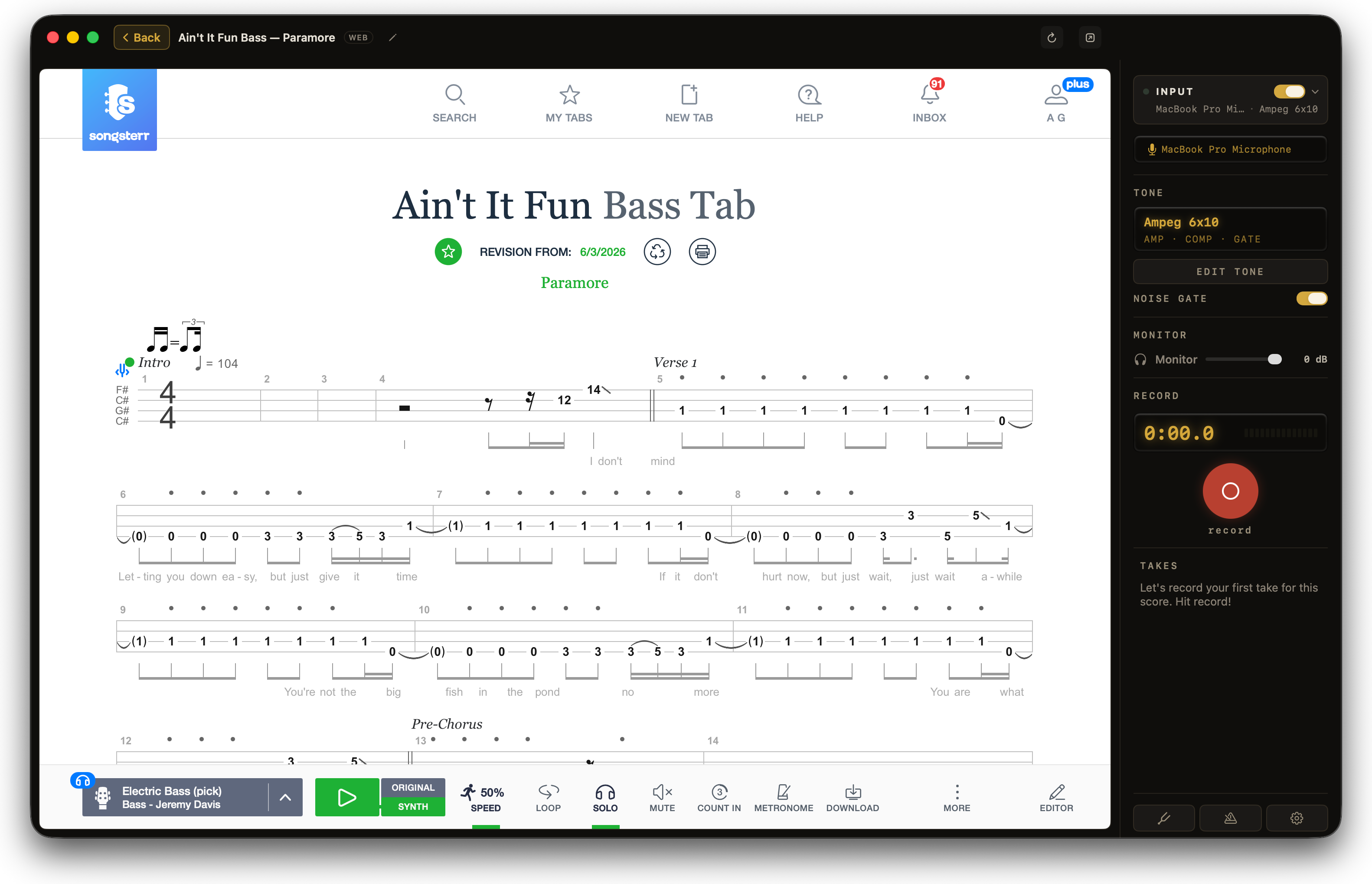
The PDFs you already own become play-alongs.
Drop them anywhere on your library and they’re yours for good. Afinar keeps its own copy, so clearing out Downloads or reorganising a folder can never break a score.
Guitar Pro files and exports from MuseScore, Finale or Sibelius do something better. They arrive already knowing where every bar sits, so the pages turn themselves from the first play, with no setup at all. Double-click one in the Finder and it opens here.
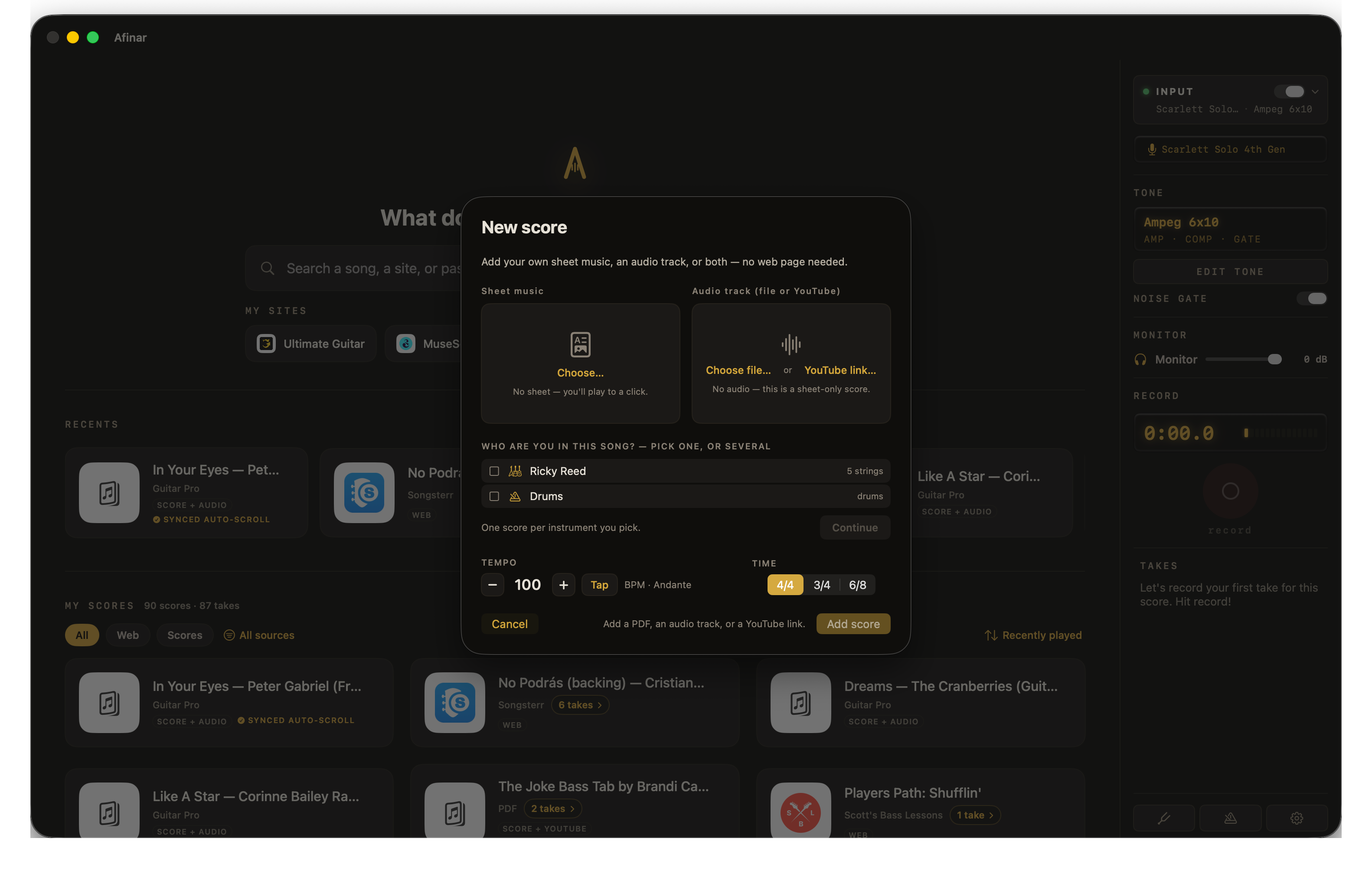
It reads well on a screen that’s the wrong shape.
A laptop is landscape and a score is portrait, which is why sheet music on a computer usually means squinting or scrolling past the staff you were reading. You get the whole page, a continuously scrolling page width, two-page spreads like a book on a stand, or one page split into two enlarged halves. Margins are trimmed automatically, so the notes fill the screen instead of the paper’s white borders.
Turn pages with a Bluetooth pedal, the arrow keys or the spacebar. It works the way you already expect, so there’s nothing to learn.
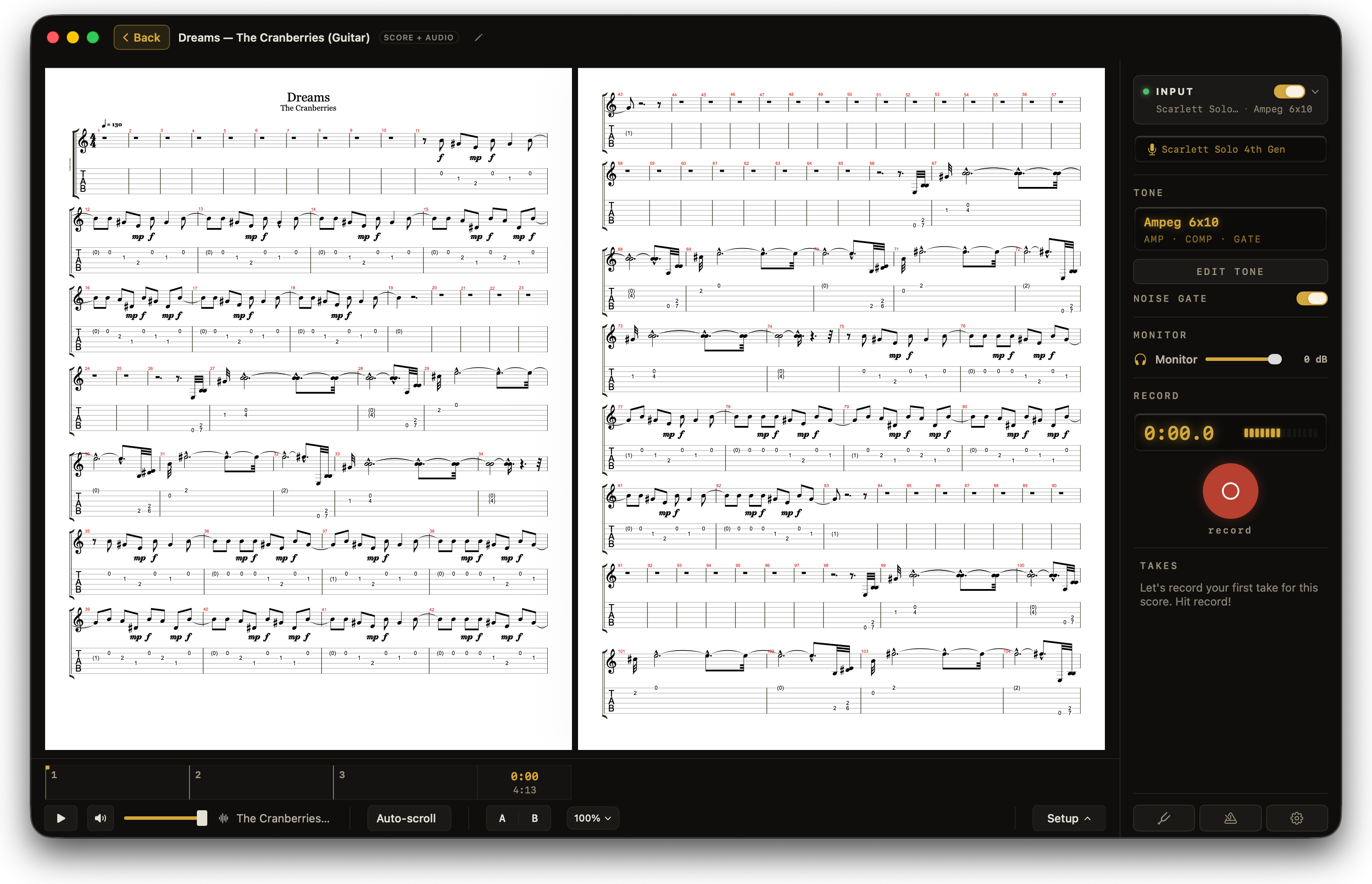
Put the actual song under the page.
Any score can carry a backing track, either an audio file you own or a YouTube link. Slow it down without the pitch sagging. Loop the four bars you keep missing. And the pages turn themselves in time with the recording, so your hands never leave the instrument.
Everything in one place, recordings included.
Web scores, PDFs, charts and videos all land in the same library. More useful: every recording you make sits under the score you made it from, so there’s no cross-referencing a folder of audio files against a folder of sheet music. Star the ones you’ve nailed, because you decide that and not a progress bar.
Free for 14 days.