
Built-in tuner
Tune up before you play.
 Afinar
Join the band. Have fun and build your skills playing along with the artists you love.
Download free for MacNeeds a Mac with Apple silicon, running macOS 26 or later.

Choose the app in Afinar, and press play.
 YouTube
 Apple Music
 YouTube Music
 Amazon Music
 SoundCloud
 Ultimate Guitar
 Songsterr
 Guitar Pro
 MuseScore
 Chordify
 Soundslice
 Fender Play
 JustinGuitar
 Yousician
 TrueFire
 Scott’s Bass Lessons
 BassBuzz
 Pianote
 flowkey
 Drumeo
 Singeo
 ArtistWorks
 Moises
Some protected apps and websites restrict audio capture. Names and logos belong to their owners; no affiliation is implied.
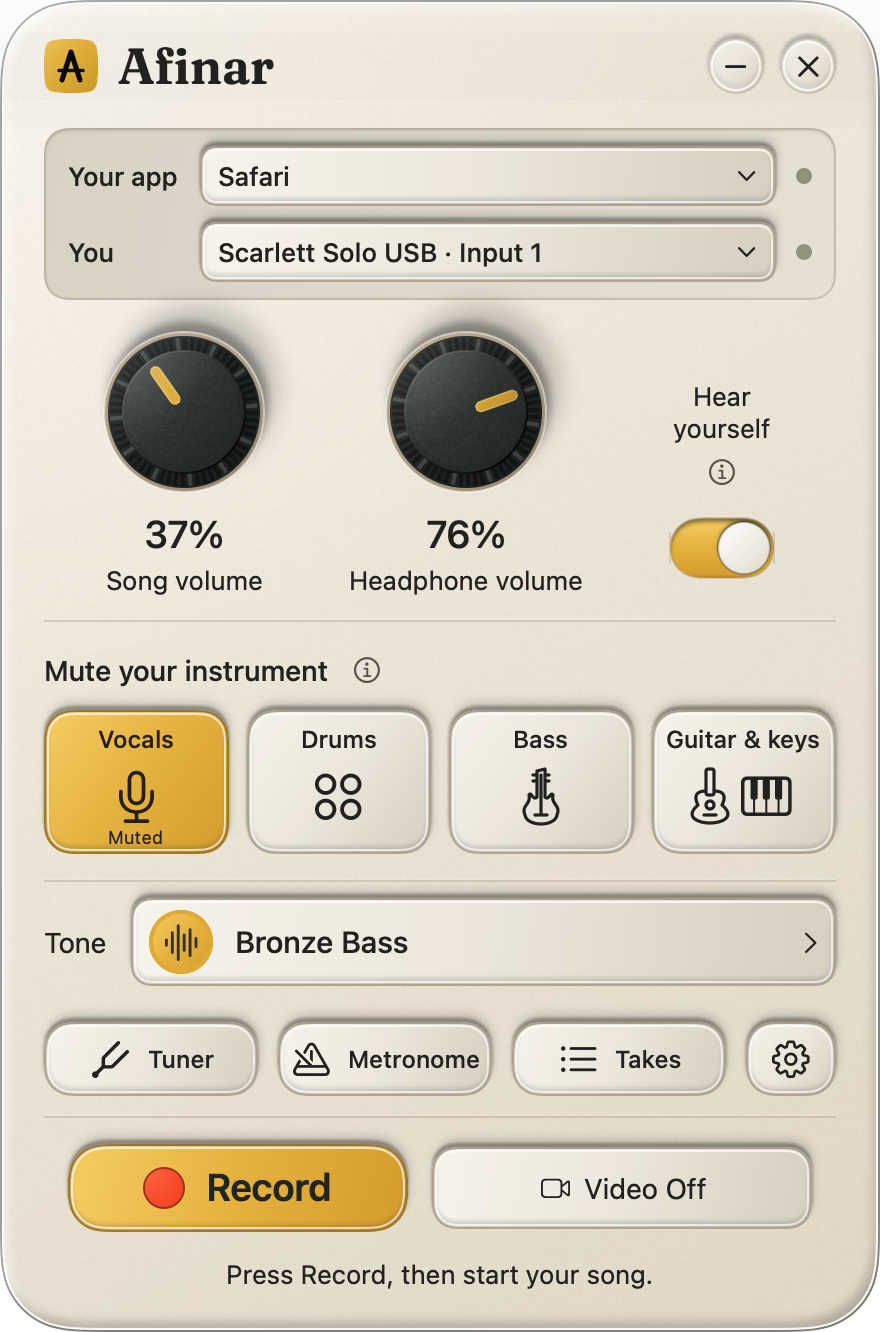
Mute bass, drums, vocals, or guitar and keys. The rest keeps playing.
One part at a time. Guitar and keys mute together.
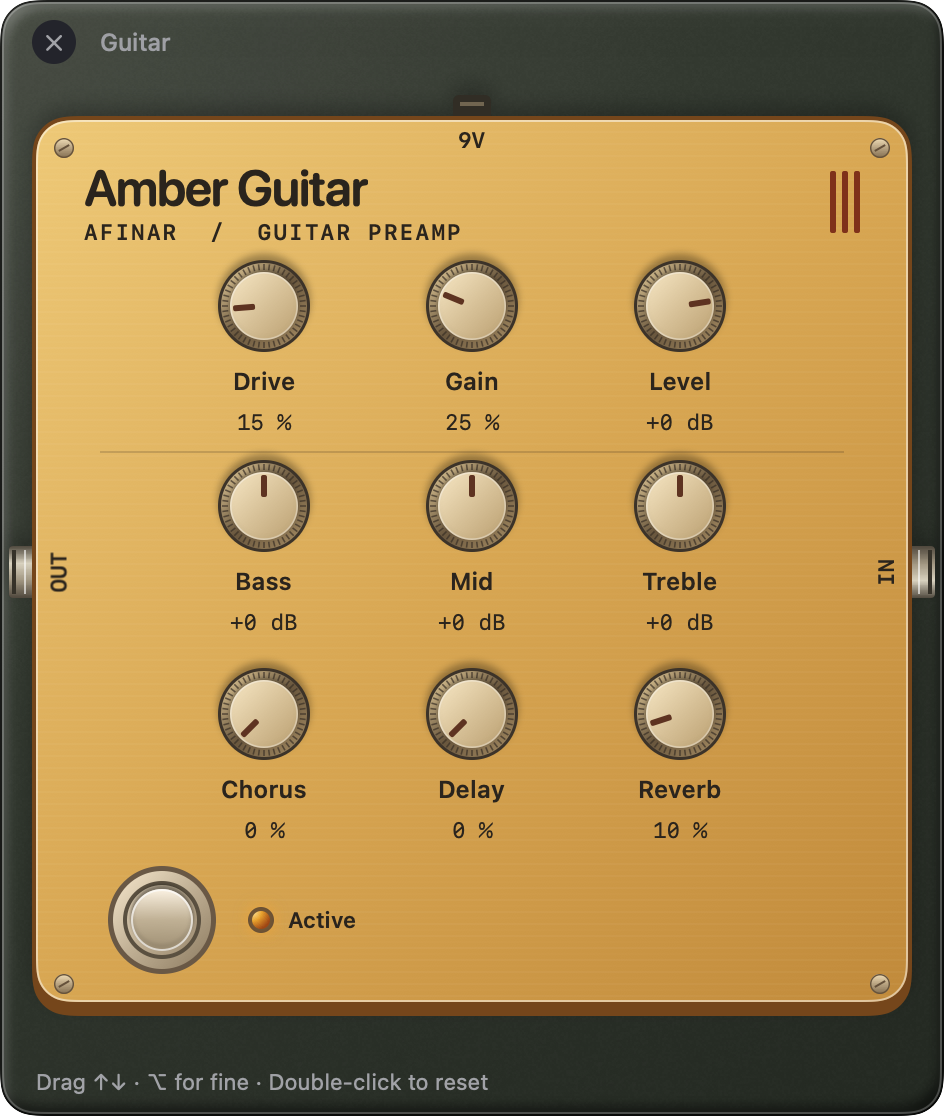
Shape your tone with built-in pedals and amp models. Import your own NAM captures, or explore TONE3000 inside Afinar.
NAM captures must include both amp and speaker.
Integrated with Explore tones
 Record yourself with the song. Hear how you sound together.
Why record your practice?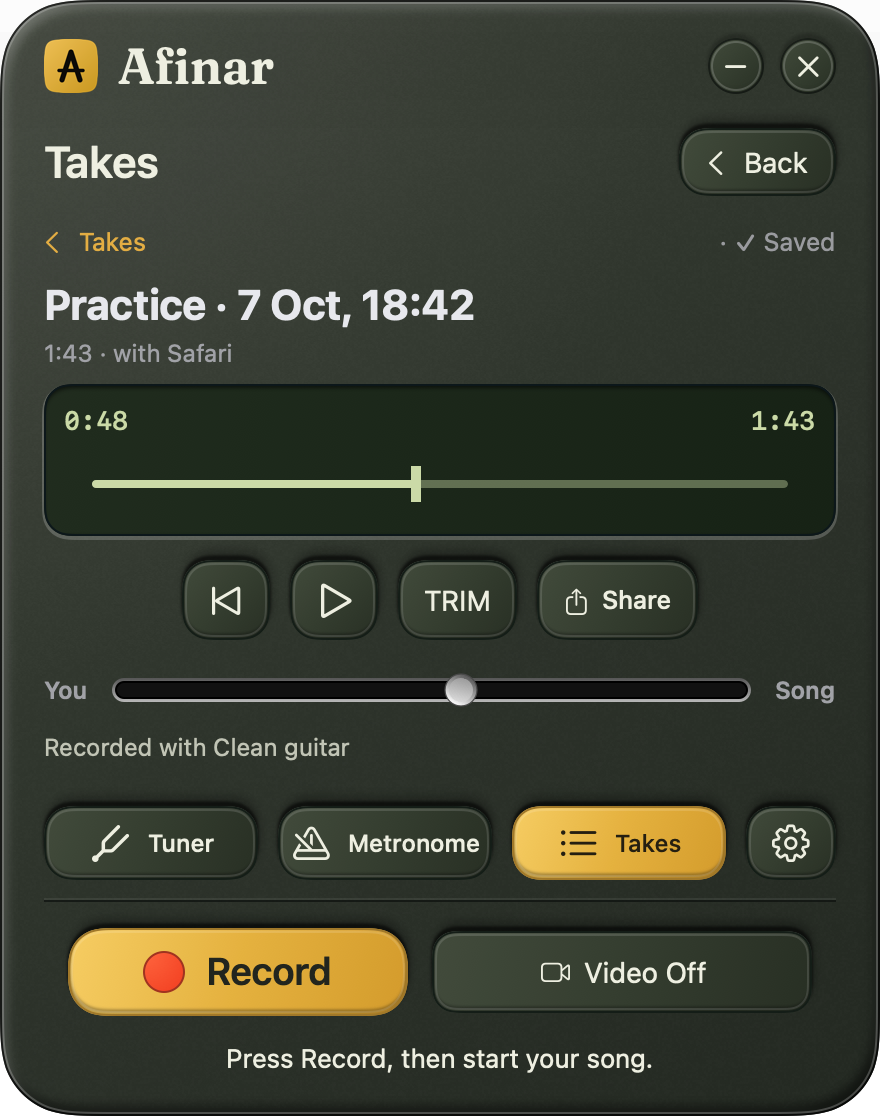
Follow Songsterr, tabs on YouTube, or a lesson book. Practice your way.
Tune up before you play.
Set a tempo. Keep time.